Character Counter (OutSystems Forge Component)
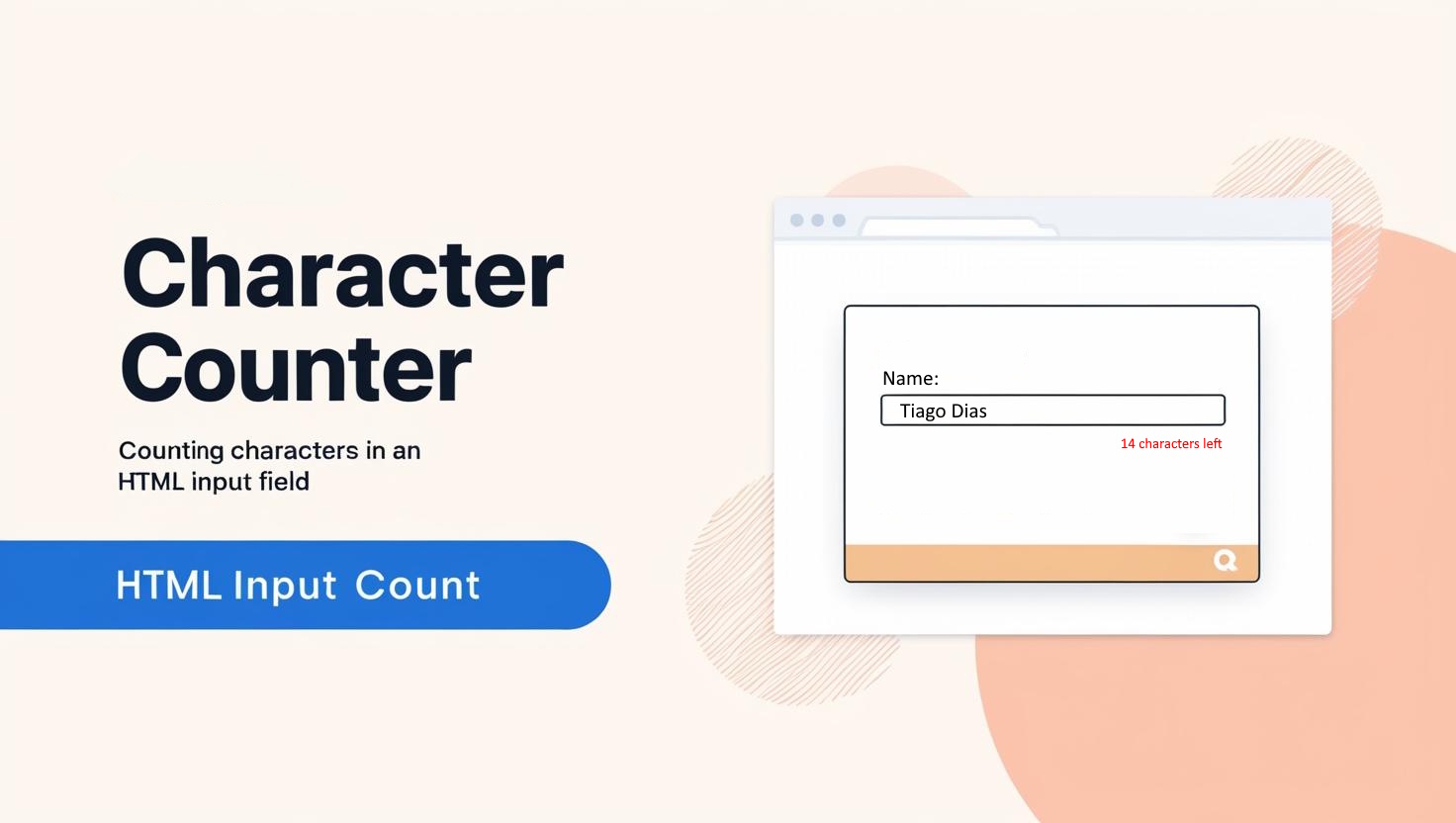
In modern web applications, user experience (UX) plays a key role in success. A common practice to enhance usability is to provide real-time feedback, especially when users are filling out text fields with character limits. However, OutSystems does not natively offer a component that displays the remaining character count in input fields.
To address this need, I developed Character Counter, a lightweight and flexible component available on the OutSystems Forge. This component allows users to view, in real-time, the number of characters used, remaining, and the maximum allowed—greatly improving form interactions.
You can grab the component here: https://www.outsystems.com/forge/component-overview/21405/character-counter-o11
and try a fully functional demo here: https://tiagomlcdias.outsystemscloud.com/BlogArticles/charactercount
Key Features
CharacterCounter is designed for easy integration into Reactive Web applications. Its main features include:
- Live Character Counting: Automatically updates the character count as the user types, without requiring extra logic.
- Customizable Text Output: Developers can define the message shown to users using a flexible
TextTemplatethat supports the following placeholders:[used]: Number of characters already typed.[remaining]: Number of remaining characters (calculated as MaxCharacters – Used).[max]: The maximum number of characters allowed.
- Efficient Event Management: Uses
EventListenersto track changes in input fields and properly removes them in theOnDestroy()method, avoiding memory or performance issues.
Setup and Integration
Integrating Character Counter into your application is straightforward:
- Import the Component: Add it to your project via the OutSystems Forge.
- Configure Parameters:
- MaxCharacters: Set the maximum number of characters allowed.
- TextTemplate: Customize the message format shown to users using the placeholders mentioned above.
- Link to Input Field: Bind the component to the desired input field (either
InputorTextArea). - Optional Debug parameter: Prints debug messages in browser console
In addition, a demo application is provided where you can test the component in different use cases before adding it to your own project.
The OutSystems Forge is a collaborative repository that enables developers to share and reuse components, accelerating app development.
With Character Counter, my goal is to offer a practical and reusable solution for a common need in web forms.
This component is particularly useful in cases where users need to stay within content limits such as: comment fields, descriptions, or messages – ensuring clear communication of restrictions.
You can try a fully functional demo here: 🔗 https://tiagomlcdias.outsystemscloud.com/BlogArticles/charactercount

Character Counter is a valuable tool for OutSystems developers looking to enhance the UX of their applications. With simple integration, flexible customization, and efficient event handling, this component simplifies the implementation of real-time character counting in forms.
Thank you to everyone who tries the component. I welcome any feedback or suggestions for improvement.
